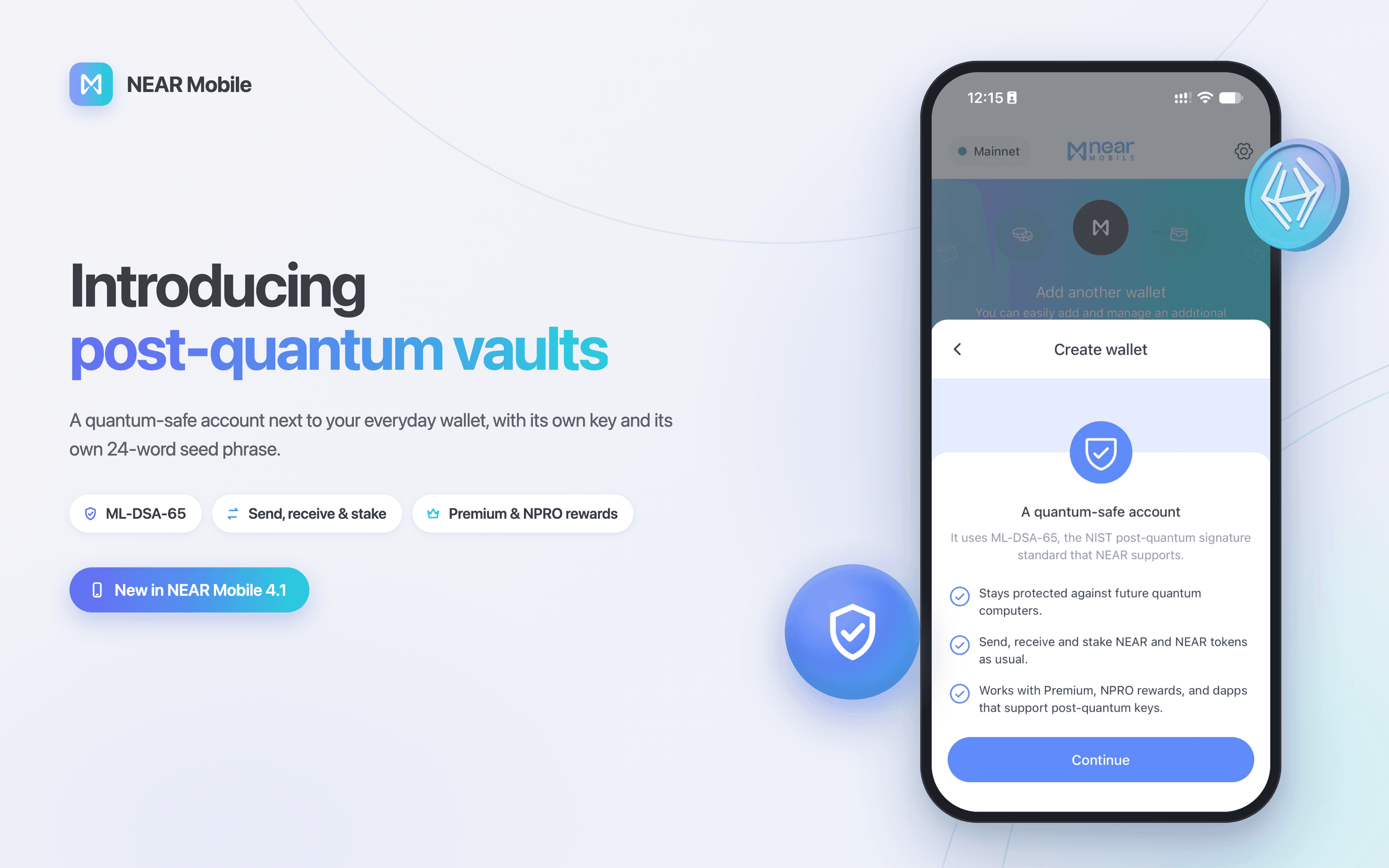
In July, NEAR became one of the first major networks to support post-quantum signatures on mainnet. With NEAR Mobile 4.1, you can use them from your phone, in a new kind of account: the post-quantum vault.
This update also brings a set of smaller changes that we care about just as much: easier backups, imported accounts that come back when you restore your wallet, and access to your implicit addresses. They're the kind of details you only notice when they're missing.
Post-quantum vaults
Most blockchain accounts today sign transactions with classical cryptography, such as the Ed25519 keys behind most NEAR accounts. It's secure against today's computers. A large enough quantum computer, though, could one day work out a private key from its public key, and public keys are visible on-chain.
Post-quantum cryptography is designed to resist that. On July 20, NEAR's network upgrade 2.13 activated ML-DSA, the post-quantum signature scheme standardized by NIST. NEAR Mobile vaults are built on it.
- 🛡️ Quantum-resistant signing. A vault signs with ML-DSA-65, so it's built to stay safe against future quantum computers.
- 🔐 Fully isolated. A vault has its own private key and its own 24-word seed phrase, completely separate from your main account and its 12-word phrase. That separation is why we call it a vault.
- 📈 Still useful. From a vault you can send, receive and stake NEAR and NEAR tokens, and connect to apps that support post-quantum keys. Vaults also work with Premium and NPRO rewards. The rest of NEAR Mobile's features stay with your main account for now.
- ✨ Free to create. A vault is a named account, like any other in your wallet. It counts towards your plan's wallet allowance: Basic includes up to two wallets, so if you have one account you can add a vault right away. Premium has no wallet limit.
To create one: swipe to the last wallet card, tap Create wallet and choose Post-quantum. You can also import a vault you already have.
Existing accounts can't be converted into vaults. To protect funds you already hold, create a vault and move them into it. Your main account stays as it is, ready for everyday swaps and apps, while your vault holds what you plan to keep for the long term.
The small things
None of these will make headlines. They fix the kind of friction that only shows up when you need something done.
💾 Back up exactly the account you want
Exporting an account's seed phrase or private key used to mean swiping to that account on the wallet screen first, then opening Settings. Now Settings lets you choose which account to back up, and shows every export option it supports.
Find it in Settings → Security → Backup your wallets.
🔗 Link imported accounts to your wallet
Imported an account into NEAR Mobile? You can now link it to your recovery phrase or to Fast Auth. Restore your wallet later and that account comes back with it, with no extra key to keep track of.
Tap the IMPORTED tag on its wallet card.
🧩 Implicit addresses
Every .near account has an implicit account linked to it: an address made of the account's key, a long string of letters and numbers. NEAR Mobile has always kept it hidden. But some exchanges don't accept .near names, and that's exactly when an implicit address helps. A new toggle shows it as its own card in your wallet, ready whenever you need it.
Turn it on in Settings → General → Implicit addresses.
Plus bug fixes and performance improvements across the app.
Coming next: Ledger
Ledger support is one of the features our community asks for most, and we're already working on it. NEAR Mobile will connect to Bluetooth-enabled Ledger devices, so you can sign with your hardware wallet straight from your phone.
Together with post-quantum vaults, it completes the picture we're building: NEAR Mobile as the best hot wallet, married to the best cold wallet. Your everyday accounts on your phone, ready to swap, stake and use apps. Your long-term holdings in a post-quantum vault or on your Ledger. All of it in one app, with your keys always in your hands.
Get started
📲 Update NEAR Mobile to 4.1 to create your first post-quantum vault and try the rest of this release.
Follow NEAR Mobile on X and YouTube for what's next.